A free metronome
for everyday practice.
Set your tempo, choose your time signature, and practice along with the beat. Tuneara brings a free metronome and instrument tuner together on iPhone and Android.
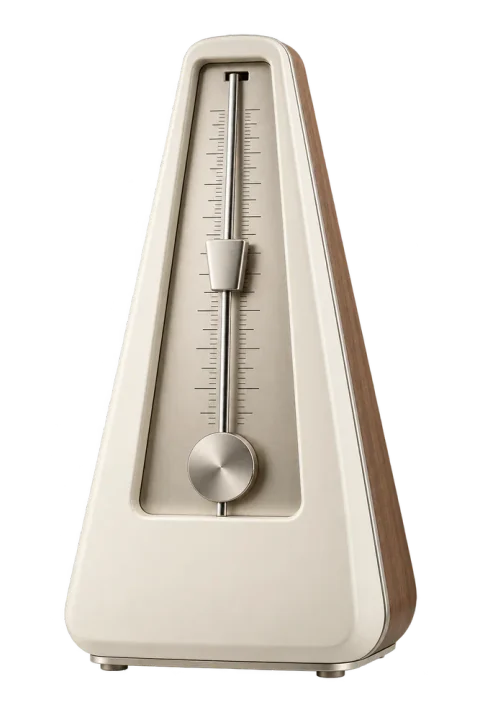
Set your tempo in BPM.
Choose the speed you want to practice at. Tempo is measured in beats per minute (BPM): 60 BPM gives you one beat per second, while 120 BPM gives you two. Start at a pace where you can play comfortably.
Read our guide to BPM for more examples of how tempo works.
Choose your time signature.
Set the time signature to match your music and count along with the beat. For a 4/4 exercise, count four quarter-note beats per measure. Our time signature guide explains common meters and how to count them.
Build up speed gradually.
Start a difficult passage slowly enough to play it comfortably. Repeat a short section, then increase the tempo when it feels settled. If mistakes or tension creep in, slow down again.
Use it for your usual practice.
Practice scales, chord changes, sight-reading or a piece you are learning. Listen for where you rush or slow down, and work on keeping the space between notes consistent.
For a place to start, try our metronome practice routine. You can also read what to look for in a metronome app.
Your tuner is included too.
Use the free instrument tuner before you practice, then switch to the metronome in the same app. Tuneara includes both tools without a subscription or paid upgrade.

Get Tuneara
Your next practice
starts here.
A free tuner and metronome for iPhone and Android.